


Cable
Best Sellers

INIU Cougar D7CC USB-C-zu-USB-C-Kabel 240 W

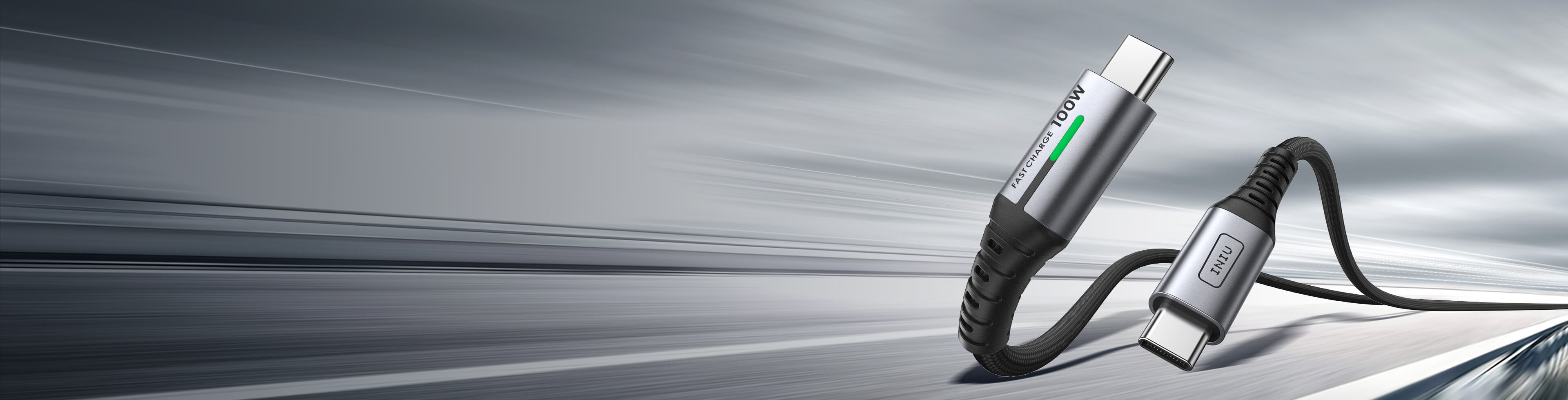
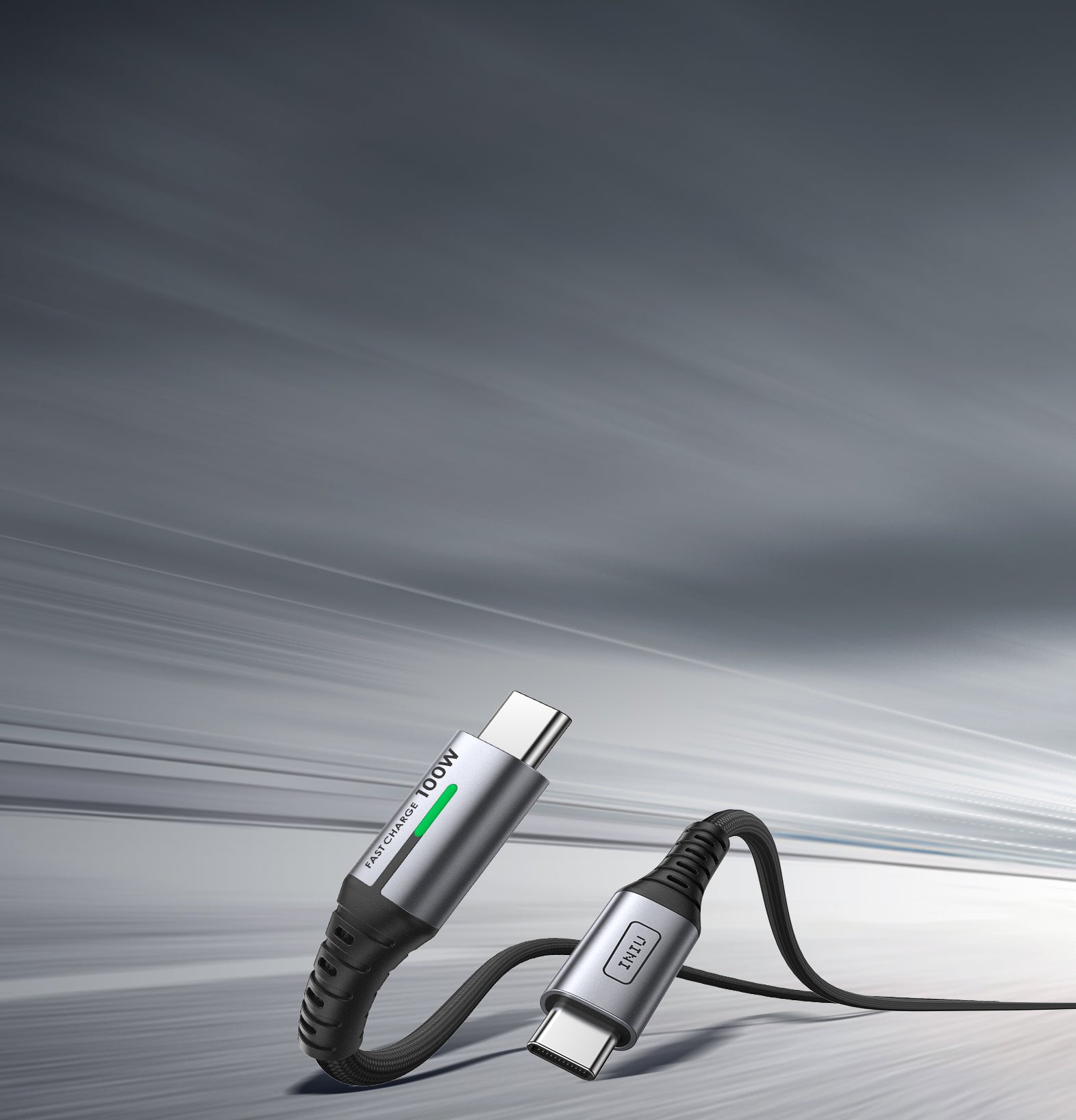
INIU Cougar D5CC USB-C-zu-USB-C-Kabel 100W
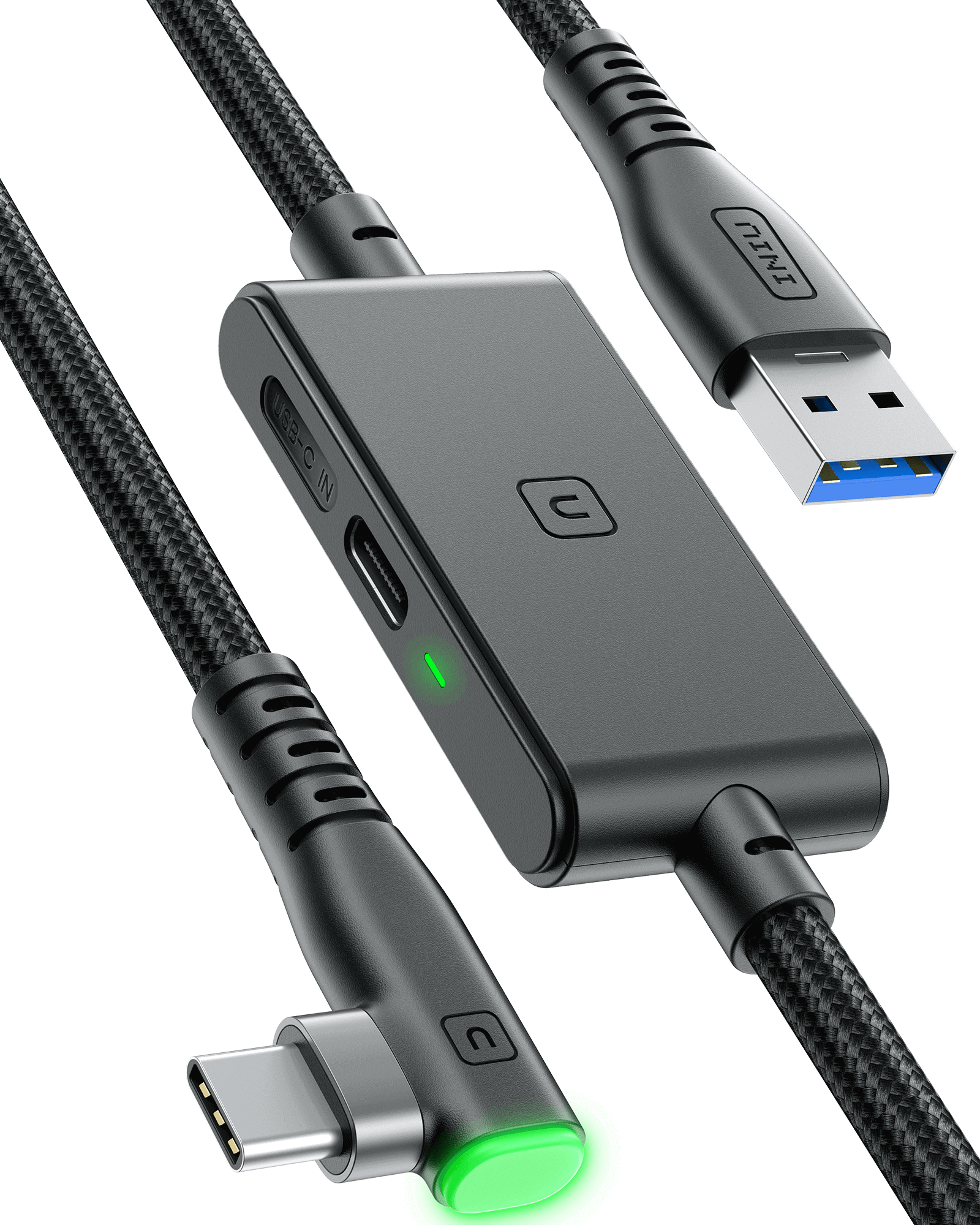
INIU DI401 16FT VR Hochgeschwindigkeits-Übertragungsverbindungskabel

-
Sale
-
Ausverkauft
-
Highly Recommended
INIU D5C Nylon-ummanteltes USB-A-zu-USB-C-Kabel, 18 W, verschiedene Längen
€14,99€18,99Sale -
Ausverkauft


INIU Kabel: Für Zuverlässigkeit entwickelt, die Ihr Leben mit Energie versorgen
In einer vernetzten Welt ist das richtige Kabel die Lebensader für Ihr digitales Erlebnis. Bei INIUWir entwickeln Ladelösungen, die den Anforderungen Ihres Tages gerecht werden. Von der wichtigen Geschäftsreise bis zum alltäglichen Gebrauch – unsere Kabel Sorgen Sie für eine zuverlässige und schnelle Stromverbindung für alle wichtigen Geräte. Laden Sie nicht nur – sorgen Sie für eine sichere Stromversorgung.
Wie wählt man das richtige Kabel aus?
Finden Sie schnell das perfekte Kabel basierend auf Ihrem Gerät und dessen Verwendungszweck.
- Für Telefone, Tablets und Alltagsgeräte: Wählen Sie ein stabiles und zuverlässiges Schnellladekabel für Ihr iPhone, iPad, Samsung oder andere Android-Geräte. Diese benötigen in der Regel Lösungen mit niedriger bis mittlerer Leistung (z. B. 18 W bis 30 W). Multipacks eignen sich ideal, um Ihr Gerät zu Hause, im Büro oder unterwegs aufzuladen.
- Für Laptops und Hochleistungsgeräte: Laden Sie Ihr MacBook, Ihren Laptop oder andere Hochleistungsgeräte auf. Wählen Sie ein 100-W- oder 240-W-Hochleistungs-USB-C-Kabel für effizientes Laden und Datenübertragung bei professioneller Arbeit und intensiver Nutzung.
- Für Gaming & VR: Verwenden Sie ein spezielles Verbindungskabel für Gaming und VR. Es bietet eine stabile Hochgeschwindigkeitsverbindung für Ihr VR-Headset und sorgt für latenzfreie Daten für ein flüssiges, intensives Spielerlebnis.
Der INIU Standard: Mehr als nur eine Ladung, es ist Vertrauen
Ihre Geräte sind unverzichtbar. Sie verdienen eine ebenso zuverlässige Verbindung. Wir fertigen unsere Kabel nach höchsten Standards und konzentrieren uns dabei auf drei Kernprinzipien.
1. Dauerhafte Haltbarkeit
Wir nennen es FLYWEAVE™ . Unser proprietäres Nylongeflecht ist unglaublich widerstandsfähig. Es widersteht Verwicklungen, Ausfransen und alltäglicher Abnutzung. Jedes USB-C-Ladekabel wurde auf über 45.000 Biegungen getestet – ein Standard, der durch führende Haltbarkeitstests festgelegt wurde. Die Stecker sind an der Verbindungsstelle – der häufigsten Schwachstelle – verstärkt, um eine jahrelange, stabile Verbindung zu gewährleisten. Dieses Kabel ist für die Langstrecke konzipiert.
2. Leistung für Profis
Lassen Sie sich nicht durch langsames Laden Ihren Arbeitsablauf unterbrechen. Unsere Hochleistungskabel sind für hohe Leistung ausgelegt und Schnellladen .
- 100 W Stromversorgung: Das perfekte All-in-One-Schnellladekabel. Laden Sie ein 16-Zoll-MacBook Pro in nur 45 Minuten auf 60 % auf oder laden Sie Ihr Telefon, Tablet und andere USB-C-Geräte mit optimaler Geschwindigkeit auf.
- 240 W erweiterter Leistungsbereich: Die Zukunft des Ladens ist da. Dies ist das ultimative USB-C-Kabel für die anspruchsvollsten Geräte, einschließlich High-End-Gaming-Laptops und professioneller Workstations, und liefert maximale Leistung ohne Kompromisse.
3. Design, das Sie berücksichtigt
Es sind die kleinen Details, die zählen.
- LED-Anzeige: Ein sanftes, nicht störendes Licht bestätigt, dass Ihr Gerät aufgeladen wird, und hilft Ihnen, Ihr Kabel im Dunkeln zu finden.
- 90°-Verbinder: Unser D6CC-Kabel verfügt über einen ergonomischen 90-Grad-Kopf, sodass das Kabel nicht im Weg ist und Sie bequem spielen oder Videos ansehen können.
Der INIU Kabelaufstellung
| Produkt | Maximale Kraft | Beste für | Hauptmerkmal |
| INIU DI401 VR Hochgeschwindigkeits-Verbindungskabel | 24W | VR-Geräte (Oculus Quest, Pico-Serie usw.) | 16 Fuß Länge, separater 3A-Ladeanschluss, SmartProtect2.0-Chip, 90°-Anschluss, langlebig (45.000 Biegungen, FLYWEAVE). |
| INIU D5CC 100W Schnellladekabel | 100 W | Laptops, Telefone, iPads, Switch und andere USB-C-Geräte | Verbesserte Haltbarkeit (FLYWEAVE, Bruchfestigkeit SR, 45.000 Biegetests), Emark2.0-Chip, 480 Mbit/s Datenübertragung. |
| INIU D7CC 240W Schnellladekabel | 240 W | Hochleistungsgeräte (Laptops usw.) und alle USB-C-Geräte | 240 W Hochleistungs-Schnellladung, EMARK2.0 sicheres Laden, langlebig (FLYWEAVE-Nylon), LED-Anzeige |
| INIU D3C Schnellladekabel | 18W | USB-C-Telefone und andere USB-C-Geräte (Pad, Smartwatch, Switch usw.) | Robuste FLYWEAVE-Konstruktion, LED-Anzeige, 480 Mbit/s Datensynchronisierung. |
| INIU D5C-Schnellladekabel (QC3.0) | 13.95W | Telefone und andere USB-C-Geräte | 3,1 A Schnellladung (QC 3.0), robuste FLYWEAVE-Konstruktion, Temp°Guard 2.0. |
Vernetzen Sie sich mit Vertrauen
Eine leere Batterie sollte kein Problem sein. Ein defektes Kabel sollte keine wiederkehrenden Kosten verursachen. Wählen Sie INIU Für eine zuverlässige Stromverbindung, die Ihr Leben unterstützt, vom Büro bis in den Außenbereich. Jedes unserer USB-Ladekabel ist ein Versprechen für Leistung und Sicherheit.
FAQ about Kabel
USB charging cables typically come in several major types, each designed to support different devices and charging standards:
- USB-A to Micro-USB: Commonly used for older Android phones, Bluetooth speakers, older power banks, and various small electronics. While still prevalent, it's being gradually replaced by USB-C in newer devices.
- USB-A to Lightning: This is the standard iPhone charging cable, used for iPhone 5 through iPhone 14 and also compatible with iPads (except iPad Pro, which uses USB-C). It's designed for fast data transfer and charging, but its speed is limited compared to USB-C.
- USB-A to USB-C: A universal option for phones, tablets, gaming consoles like Nintendo Switch, and accessories such as earbuds. It supports fast charging and data transfer but is slower than USB-C to USB-C in high-power applications.
- USB-C to USB-C: Used for modern phones, iPads, MacBooks, and devices requiring electricity and data sync, such as fast charging VR link cables. This type supports Power Delivery (PD), enabling high-speed charging and faster data transfer, making it the go-to for modern devices.
The type of USB cable you need depends on your device’s charging port, charging speed, and power requirements:
For iPhone:
If you have an iPhone 5 to iPhone 14, you’ll need a USB-C to Lightning cable. This cable supports fast charging when paired with a USB-C PD charger. It enables the fastest charging available for these devices.
For iPhone 15 and later, Apple has switched to USB-C charging, so you’ll need a USB-C to USB-C cable for charging.
For Android Phones:
Most Android phones now use USB-C charging ports. A USB-C to USB-C cable is ideal for newer Android models that support Power Delivery (PD) for fast charging. This cable can deliver higher charging speeds, especially when used with a PD-compatible charger.
For Laptops:
For laptops with USB-C charging, such as MacBooks, you’ll need a USB-C to USB-C cable.
Power Requirements: Different laptops require different power levels for efficient charging:
Lightweight laptops (e.g., MacBook Air, Chromebooks, Ultrabooks) usually require between 30W to 65W for charging. A USB-C to USB-C cable rated for 60W is sufficient for these devices.
High-power laptops (e.g., MacBook Pro 14"/15"/16") require 65W to 100W for optimal performance. For these devices, make sure to use a USB-C to USB-C cable that supports at least 100W PD to ensure fast and safe charging.
For a stable connection with a VR headset, you need a high-quality USB cable that can handle both data transfer and power delivery. Here’s what to look for:
- USB-C Cable: For VR headsets like the Oculus Quest 2, a USB-C cable is the best option. It supports both data transfer for a seamless VR experience and power delivery to keep the headset charged.
- High-Speed Data Transfer: Choose a cable that supports high-speed data transfer. This ensures smooth performance and low latency during VR sessions.
- Length of Cable: VR cables tend to be longer for convenience. Look for cables that are at least 3 meters (10 feet) long to allow freedom of movement without losing connection stability.
INIU DI401 VR link cable features a separate USB-C charging port, enabling rapid 3A power delivery for uninterrupted gameplay. Use with a PD/QC fast adapter for optimal charging speed. With 16ft length, it is a good choice for VR game enthusiasts.
The lifespan of a USB charging cable can vary based on usage and quality:
High-quality USB-C cables can last for several years if properly cared for. Cables made from nylon braided materials tend to be more durable and resistant to wear and tear. INIU FLYWEAVE nylon braided cable has passed 45,000+ bending tests and is the best choice for long-term use.
To extend the lifespan of your cable, avoid bending it sharply or pulling on the cable excessively. Store it neatly when not in use to prevent damage.
To determine if a USB cable supports fast charging:
- Cable Type: USB-C cables generally support fast charging if they are compatible with Power Delivery (PD) or Quick Charge (QC) technology.
- Wattage: Fast charging cables are rated by their power capacity. Look for USB-C cables that support 18W to 100W for fast charging. Lower-power cables may not provide enough energy for high-speed charging.
- Certification: Check for certification logos, such as USB-IF (USB Implementers Forum), indicating compliance with industry standards.
Yes, the cable you use to charge your phone can make a noticeable difference. High-quality charging cables ensure stable power delivery and faster charging speeds, while cheap or worn-out cables may be slower or even damage your device over time. Using the right cable also helps maintain battery health.
For optimal performance, it’s important to match the cable type with your phone’s charging standard. For example, USB-C to Lightning or USB-C to USB-C charging cables support faster charging on modern devices. Investing in reliable charging cables ensures safety, efficiency, and longevity for your phone.
iPhone cables have evolved over time. Older models use Apple iPhone charger for charging and data transfer, while newer models (iPhone 15, 16 and iPhone 17 series) typically come with a USB-C to USB-C cable for faster charging.
The latest iPhone 17 Pro/Max now use USB-C to USB-C cables for both charging and data transfer. To connect with older accessories or power bricks, a USB-C to Lightning charger cable is required.
Your charging cables may break due to frequent bending, pulling, or poor-quality materials. Over time, the wear and tear on the cable’s connectors and insulation can cause it to fray or stop working. Cheap cables are more prone to damage, especially at the connection points.
To avoid this, invest in the best cable for charging iPhone—one that’s durable, reinforced, and designed for long-term use. A high-quality cable ensures better longevity and reliable charging performance.
Yes. Charging speed depends on both the power adapter and the charger phone cable you are using. Some cables are designed to support fast charging technologies, while lower quality ones may limit power delivery and slow down charging. Choosing a cable that supports fast charging standards such as USB-C Power Delivery can help improve charging performance.
You may need a new charging cable if your current one charges slowly, disconnects easily, shows visible wear, or no longer matches the power needs of your newer devices.
After upgrading to a newer phone, tablet, or laptop, an older cable may not support higher wattage or fast charging properly, which can lead to slower charging performance. Switching to a higher-power cable, such as the INIU D5CC USB-C to USB-C Cable, can help support faster, more stable charging.
